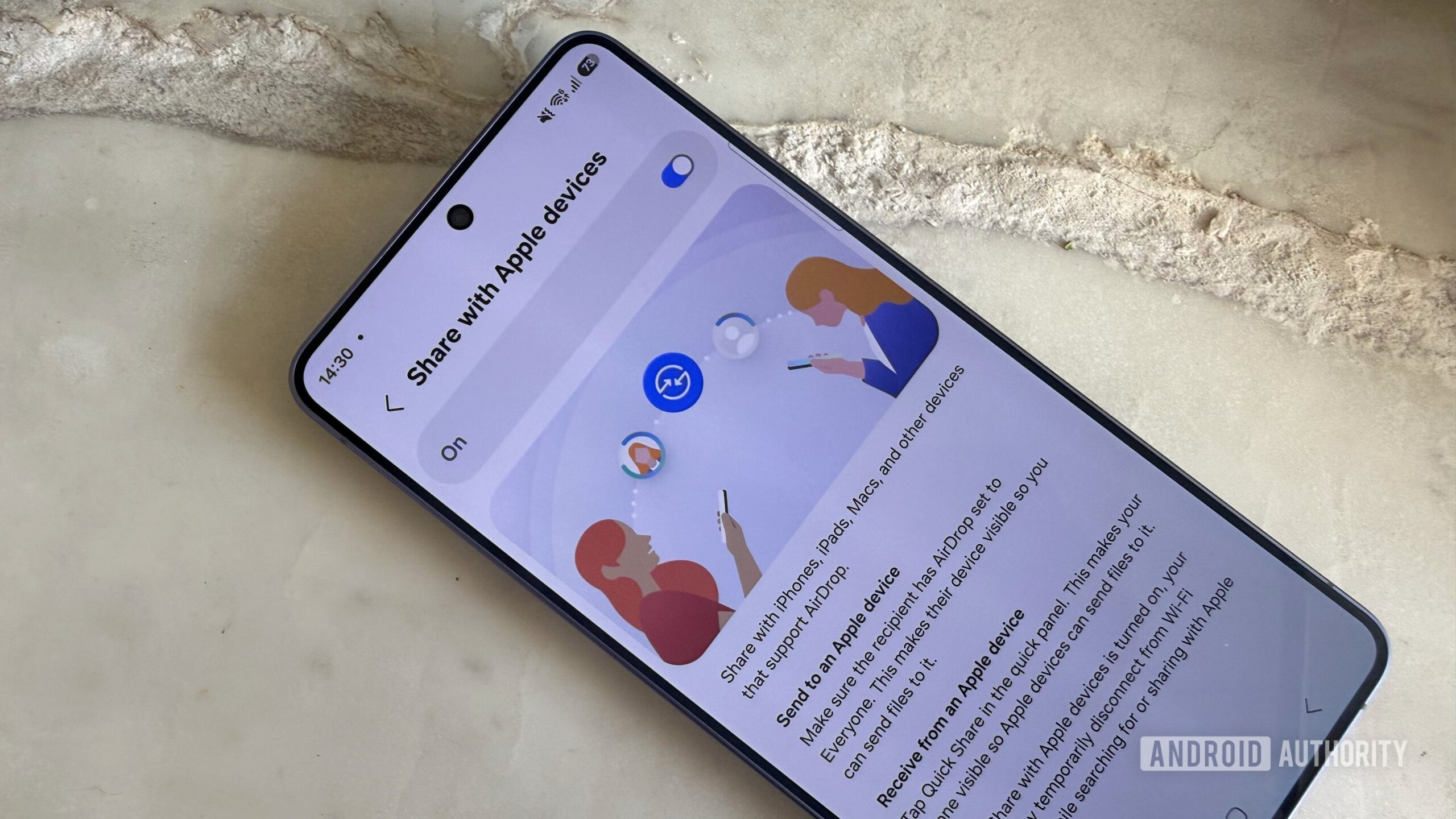
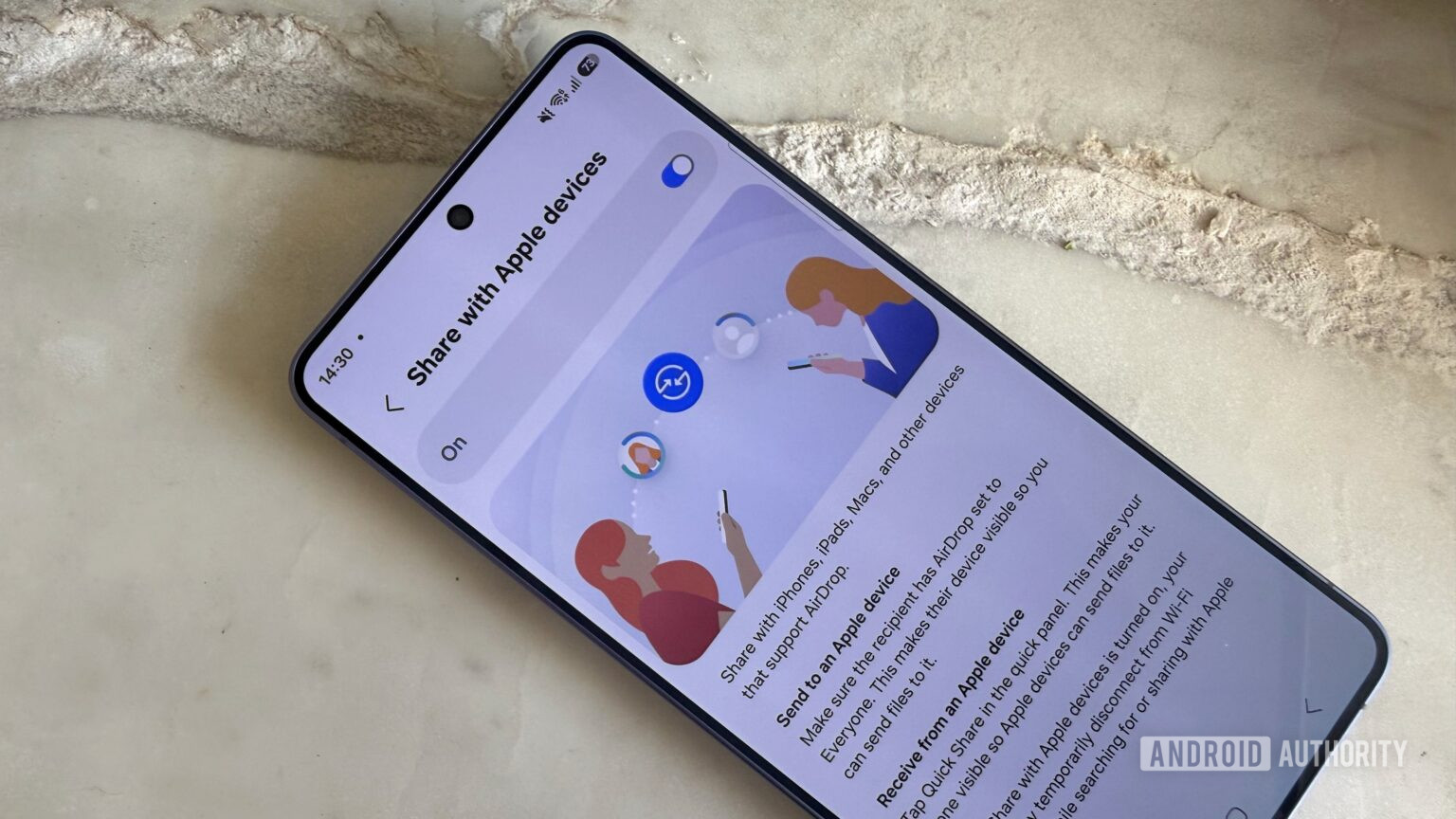
New AirDrop and Quick Share vulnerabilities put more than five billion Apple and Android devices at risk, and an attacker can exploit them from up to 30 meters away without a phishing link, Wi-Fi access or any physical contact. Security researchers found that the same convenience that makes wireless file sharing seamless also exposes privileged background services before verifying who is sending a request.
What the researchers found
The flaws were uncovered by researchers at the CISPA Helmholtz Center for Information Security, who took apart both Apple's AirDrop and Android's Quick Share to see how each handles wireless transfers. Their conclusion is that both systems fell into the same trap: sacrificing security for convenience by exposing complex background processes before the sender's identity is verified.
- The vulnerabilities affect more than five billion active Apple and Android devices.
- An attacker within 30 meters can exploit them with just a laptop.
- No phishing link, shared Wi-Fi network or physical contact is required.
That combination is what makes the research alarming. These file-sharing features run as highly privileged services that wake up the moment another device comes near, precisely so transfers feel instant. This is one of the more consequential security research findings of the year.
How the attacks work
The specifics differ across ecosystems. On Apple's side, malformed requests can crash the daemon that controls AirDrop, and repeated requests can create a denial-of-service condition. Because that same daemon underpins several Continuity features, a crash can ripple beyond file sharing.
On the Android and Samsung side, researchers found logic that can bypass authentication, along with a memory-corruption bug affecting the Windows client of Quick Share. In both cases, the root issue is the same: background services respond before confirming who is really on the other end.
Patch status
Vendors are addressing the flaws, but the work is not finished. Here is where things stand based on the disclosure:
- Apple: one of three AirDrop bugs has been fixed in a recent update.
- Google: a fix has been released for the Quick Share Windows client.
- Samsung and remaining issues: still under development or coordinated disclosure.
Because not every issue is patched, keeping your devices updated is essential, and it is the first line of defense as fixes continue to roll out.
How to lock your devices down
You do not have to wait helplessly for every patch. The most effective step is to limit who can reach your phone over AirDrop or Quick Share, which shrinks the attack surface dramatically.
- Change visibility to Contacts Only instead of Everyone, so unknown devices cannot initiate transfers.
- Turn off file receiving entirely when you are not actively using it.
- On iPhone, adjust these settings via General settings; on Android, use the Quick Share menu.
- Keep your operating system and apps updated to receive the latest fixes.
Setting sharing to contacts-only or off closes the door on opportunistic attacks in crowded public places, where a stranger within 30 meters could otherwise probe your device. It is a small change with a big payoff for everyday mobile safety.
Frequently asked questions
How many devices are affected?
Researchers say more than five billion active Apple and Android devices are exposed by the AirDrop and Quick Share vulnerabilities.
Do I need to click anything to be attacked?
No. The attack requires no phishing link, no shared Wi-Fi and no physical contact. An attacker only needs to be within about 30 meters with a laptop.
How do I protect myself?
Set AirDrop or Quick Share visibility to Contacts Only or turn receiving off entirely, and keep your device updated so you get vendor fixes as they ship.