Microsoft is reportedly working to integrate Android phones more deeply into Windows 11, expanding its Phone Link tools with a new phone flyout, full clipboard history syncing, and a standalone Messages app. The goal is to make your phone feel like a native part of the desktop rather than a separate device you occasionally check.
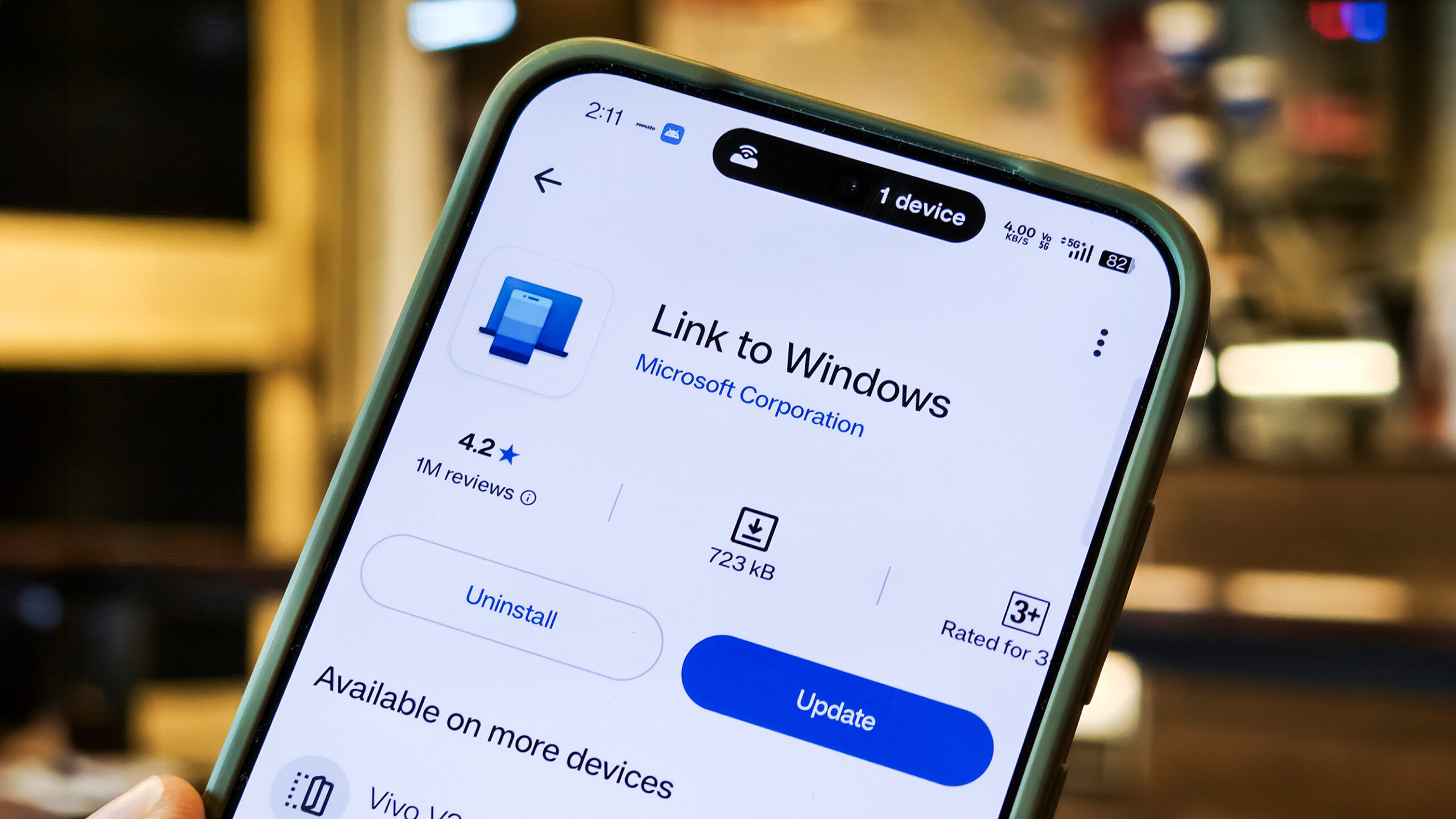
The company has spent years connecting Windows and Android. It launched the Your Phone and Your Phone Companion apps back in 2018, later rebranding them to Phone Link and Link to Windows. According to a new report from Windows Central, Microsoft is now prototyping a series of upgrades that would push that Android-Windows 11 integration much further.
What Windows 11 Android integration adds
One set of improvements targets the Phone Companion experience found in the Start menu. It is said to surface more of your recent phone activity without requiring you to open Phone Link at all, so notifications, messages, and other updates are visible at a glance.
You would also be able to hover over those activities to see more detail — for example, expanding a notification to read a full message inline. It is a small change on paper, but it is the kind of friction reduction that makes a connected phone genuinely useful on a PC. This is the latest step in Microsoft's long effort to blur the line between your Android phone and your computer.
A new phone flyout and full clipboard sync
The most visible addition is a dedicated smartphone flyout. When a phone is connected, a phone icon would appear on the Windows 11 taskbar; clicking it opens a panel with an overview of your device's status. Reported features of the flyout include:
- Quick toggles for do not disturb, vibrate mode, and find phone.
- An at-a-glance overview of your phone's status.
- Drag-and-drop file transfers to your phone directly through the icon.
Microsoft is also said to be upgrading clipboard syncing. Today, the feature syncs only the most recently copied item between devices; the reported change would let you sync your entire clipboard history between your phone and PC. For anyone who moves text, links, and images between devices all day, that is a meaningful quality-of-life upgrade — the kind of workflow polish that matters as much on Windows laptops as on desktops.
A standalone Messages app
Finally, Microsoft is reportedly building a dedicated Messages app that would exist as its own standalone experience, separate from Phone Link. You would be able to pin it to the Start menu and jump straight into texting from your PC without opening the full Phone Link interface first. Splitting messaging into its own app suggests Microsoft wants to treat phone texting as a first-class Windows feature rather than a bolt-on, which could matter for anyone who spends most of the day at a desktop.
It is worth stressing that all of this is early. The features are described as internal prototypes, and Microsoft is expected to gather feedback from its Windows Insider community before anything ships. Details could change, and there is no confirmed release timeline. Still, the direction is clear: Microsoft wants your phone and your PC to feel like one connected system. For more updates as they land, follow our latest news.
Frequently asked questions
What is Phone Link in Windows 11?
Phone Link, formerly Your Phone, is Microsoft's app for connecting an Android phone to Windows so you can see notifications, messages, photos, and more on your PC.
When will these Android integration features launch?
There is no confirmed date. The features are currently internal prototypes, and Microsoft plans to test them with Windows Insiders before a public release.