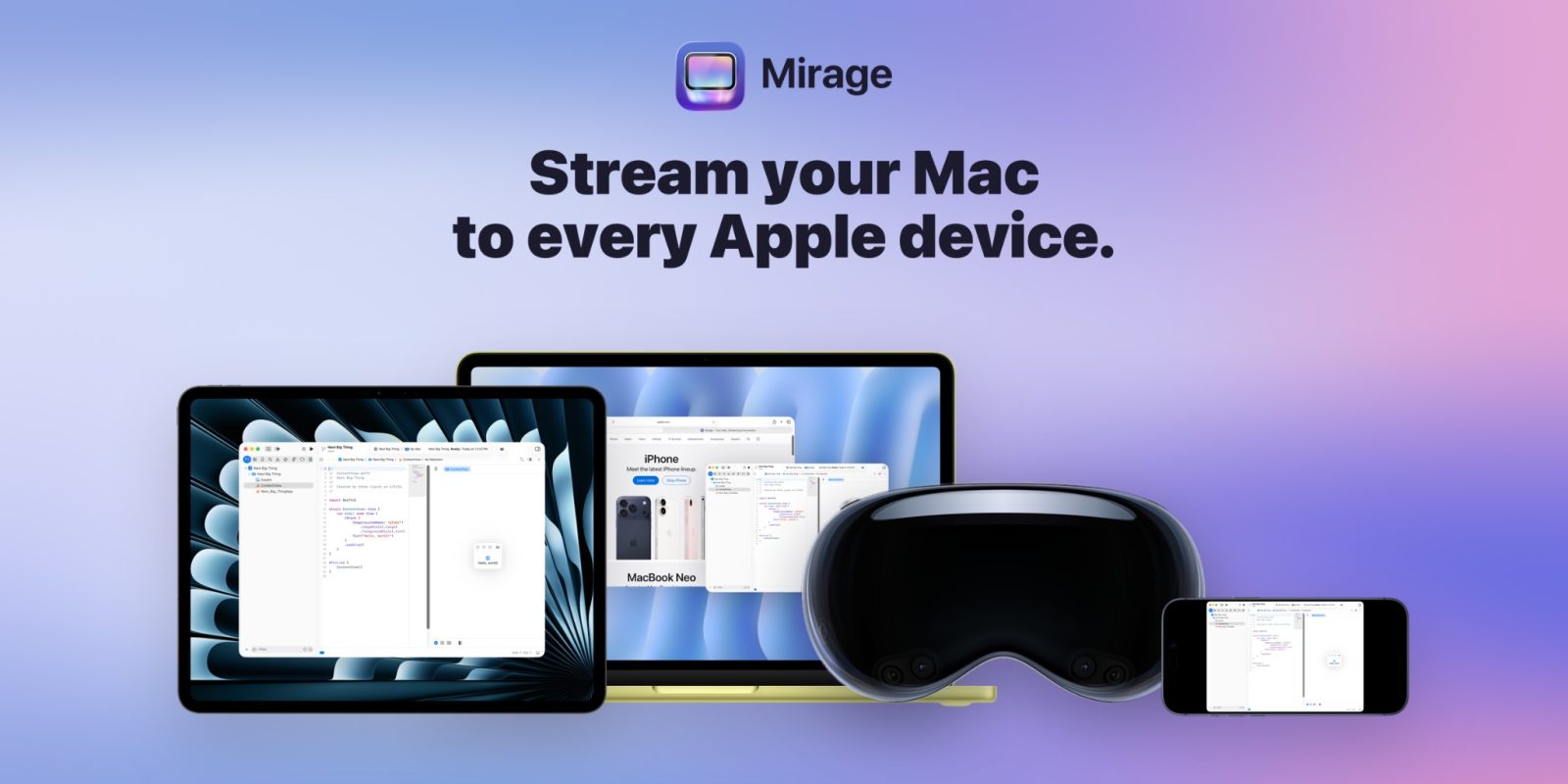
Mirage is a new app that wirelessly streams your Mac display to an iPad, iPhone, Vision Pro or another Mac in Retina quality, with low latency throughout. It turns the rest of your Apple devices into screens for a powerful Mac, whether that machine sits at home or you are out and about, effectively decoupling where your Mac lives from where you use it.

Top ways to use Mirage
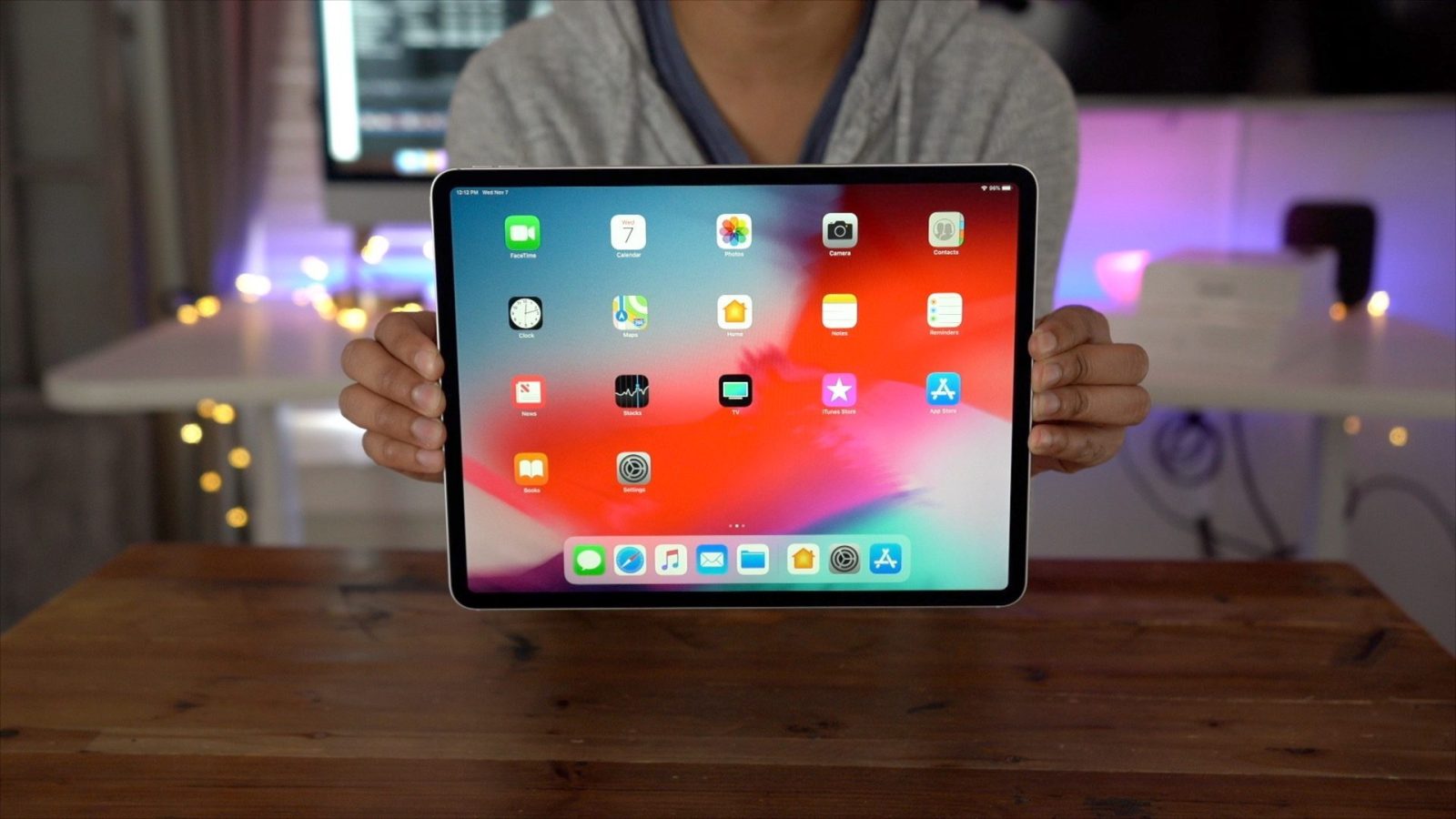
The most popular setup is Mac to iPad, which puts your Mac desktop on the tablet with full Magic Keyboard and Apple Pencil support. That is ideal if you keep a powerful Mac Studio or Mac mini at home but carry only an iPad as your day-to-day laptop. Despite being wireless, it performs well and can hit up to 120fps on ProMotion iPads, which keeps scrolling and pointer movement feeling native rather than laggy.
- Mac to iPad: use your Mac desktop on an iPad in Retina quality, up to 120fps on ProMotion displays.
- Mac to Mac: turn an older or less capable iMac into a secondary monitor; a USB-C cable can enable a 5K iMac stream.
- Single-window streaming: send just one Mac app window to your iPad or Vision Pro while otherwise using the native OS.
- Remote access: connect through Tailscale or another shared VPN to reach your home Mac on the go.
The single-window option is a standout, letting you keep one Mac-only app within reach on an iPad without abandoning iPadOS for the rest of your workflow.
Mirage pricing and availability
Mirage is available on the App Store for devices running iOS 26 and later. The free version offers local network streaming in a limited capacity, while Mirage Pro unlocks remote access, multi-window streaming, better audio and the highest quality output. That split lets you try the core experience on your home network before deciding whether the away-from-home and multi-window features justify upgrading.
- Mirage Pro: $4.99/month, $39.99/year, or $119 for a lifetime licence
- Free tier: limited local network streaming
- Requirement: iOS 26 or later across supported Apple devices
The lifetime option is worth weighing against the annual price if you expect to lean on the remote and multi-window features long term.
Who Mirage is for
Mirage suits anyone who wants the power of a desktop Mac on a more portable screen, from iPad-first users to Vision Pro owners and people running a multi-Mac setup. Strong performance, flexible window streaming and VPN-based remote access make it a versatile one-stop tool for using a Mac from anywhere in the Apple ecosystem.
The appeal is sharpest for two groups: people who already centralize their heavy work on a single powerful Mac, and those who want to squeeze more life out of older hardware by repurposing it as a display. Tailscale support is the connective tissue, meaning a Mac at home stays usable even when you are traveling, without exposing it to the open internet. For more on the apps and devices shaping Apple's lineup, explore our mobile coverage, or read our latest hands-on verdicts in the reviews section.
Frequently asked questions
What devices can Mirage stream to?
Mirage streams your Mac display to an iPad, iPhone, Vision Pro or another Mac, all in Retina quality with low latency.
How much does Mirage cost?
There is a free tier with limited local network streaming. Mirage Pro costs $4.99 a month, $39.99 a year, or $119 for a lifetime licence, and unlocks remote access, multi-window streaming, better audio and the highest quality output.
Do I need a special connection to use my Mac remotely?
For remote access, you connect through Tailscale or another shared VPN, which lets you reach your home Mac while you are away. Local streaming works over your home network.