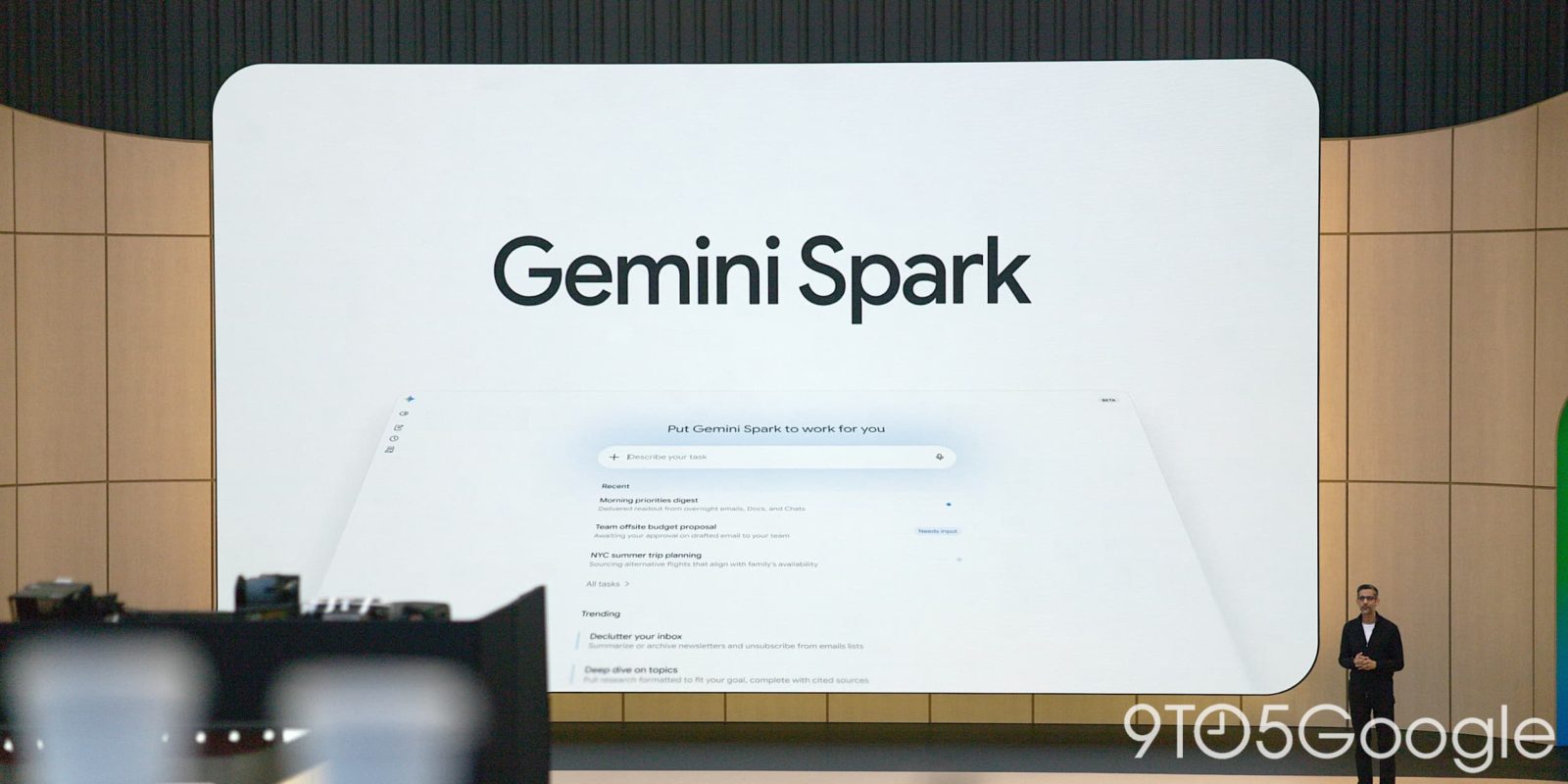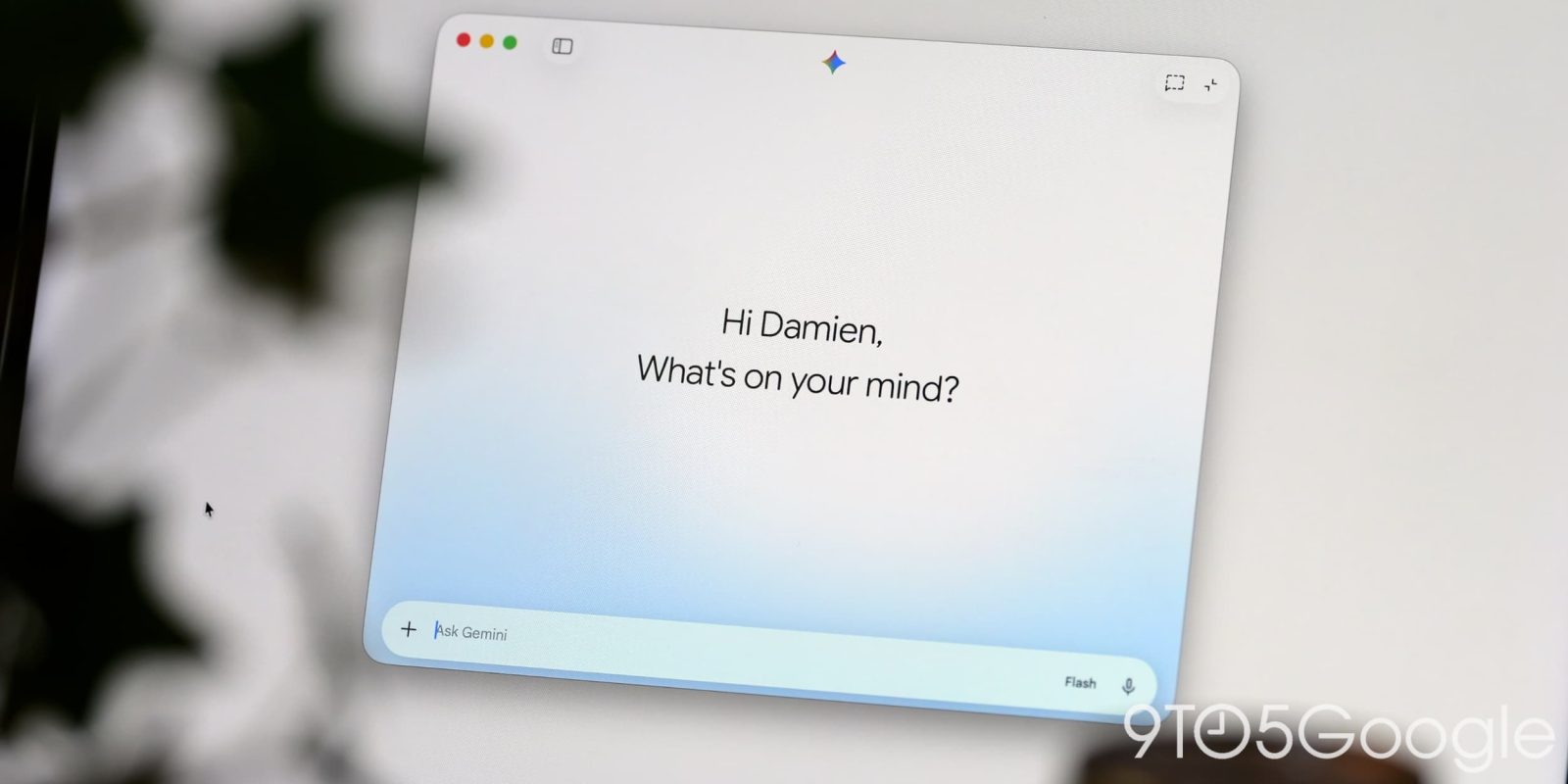
Gemini Spark is now rolling out inside the Gemini app for macOS, letting Google's AI agent organize local files, build documents, and automate tasks directly on a Mac instead of only working through a remote browser and cloud computer.

What Gemini Spark can now do on macOS
Gemini Spark is described by Google as a 24/7 personal AI agent. Until now, it operated entirely through a remote browser and a cloud computer with code execution capabilities. The new macOS integration extends that reach to a user's own machine, letting Spark "help with tasks involving your local files and automate workflows across your desktop."
Google's own examples include turning hours of manual file sorting into a single request, asking Spark to sort every PDF in a Downloads folder into the right subfolders, or connecting the desktop app to Google Workspace so Spark can build a budget spreadsheet from the latest invoices saved locally and then keep it updated on a schedule.
Setting up Connected folders and automation
After installing version 1.80.15.516, a new "Spark" tab appears in the Gemini for macOS sidebar, matching the version already available on the web. From there, users choose which local "Connected folders" Spark is allowed to access, and can unlink any folder at any time from the same sidebar. A sample prompt Google highlights asks Spark to scan an unorganized folder, group files by type or context, present an organization plan, and wait for approval before moving anything.
The macOS app also supports customizing existing Schedules and Skills, letting a user reuse automations they've already set up rather than rebuilding them from scratch. In Settings, a new Gemini Spark menu adds two toggles: one that keeps the Mac awake while the app is running tasks, and another that alerts the user, and pauses for approval, if Spark can't back up a file inside a connected folder before modifying it. That backup alert is enabled by default. A new Usage limits page is also reachable from the account menu, replacing what previously opened a browser tab to Gemini's usage dashboard.
Gemini Spark pricing and what's coming next
Gemini 1.80.x is rolling out now through the app's built-in updater. Gemini Spark itself requires a Google AI Ultra subscription, which starts at $99 per month, positioning it as a premium feature layered on top of the standard Gemini app rather than something available to every user.
Google says a future update will let Spark run tasks or reach local files on a Mac remotely, straight from the web or mobile app. An example Google gives: assigning Spark a task from a phone, like finding a specific sales report on a Mac, pulling the total revenue figure, and emailing it, and letting the agent execute the work on the desktop while the user is away. That capability is described as "coming soon," alongside a separate new voice experience that Google has flagged as the other major desktop update planned for this summer.
Why local automation matters for AI productivity tools
Cloud-only AI agents are useful for research and drafting, but they hit a wall the moment a task depends on files that live only on someone's own computer. By giving Spark direct access to local folders and desktop workflows, Google is closing that gap for Mac users specifically, competing more directly with file-aware assistants and automation tools that already run natively on the desktop rather than purely in a browser tab.
FAQ
What is Gemini Spark?
Gemini Spark is Google's 24/7 personal AI agent, previously limited to a remote browser and cloud computer, that can now also access local files and automate tasks directly on a Mac.
How much does Gemini Spark cost?
Gemini Spark requires a Google AI Ultra subscription, which starts at $99 per month.
Can Gemini Spark control a Mac remotely from a phone?
Not yet. Google says a future update, described as coming soon, will let Spark run tasks or access local Mac files from the web or mobile app.