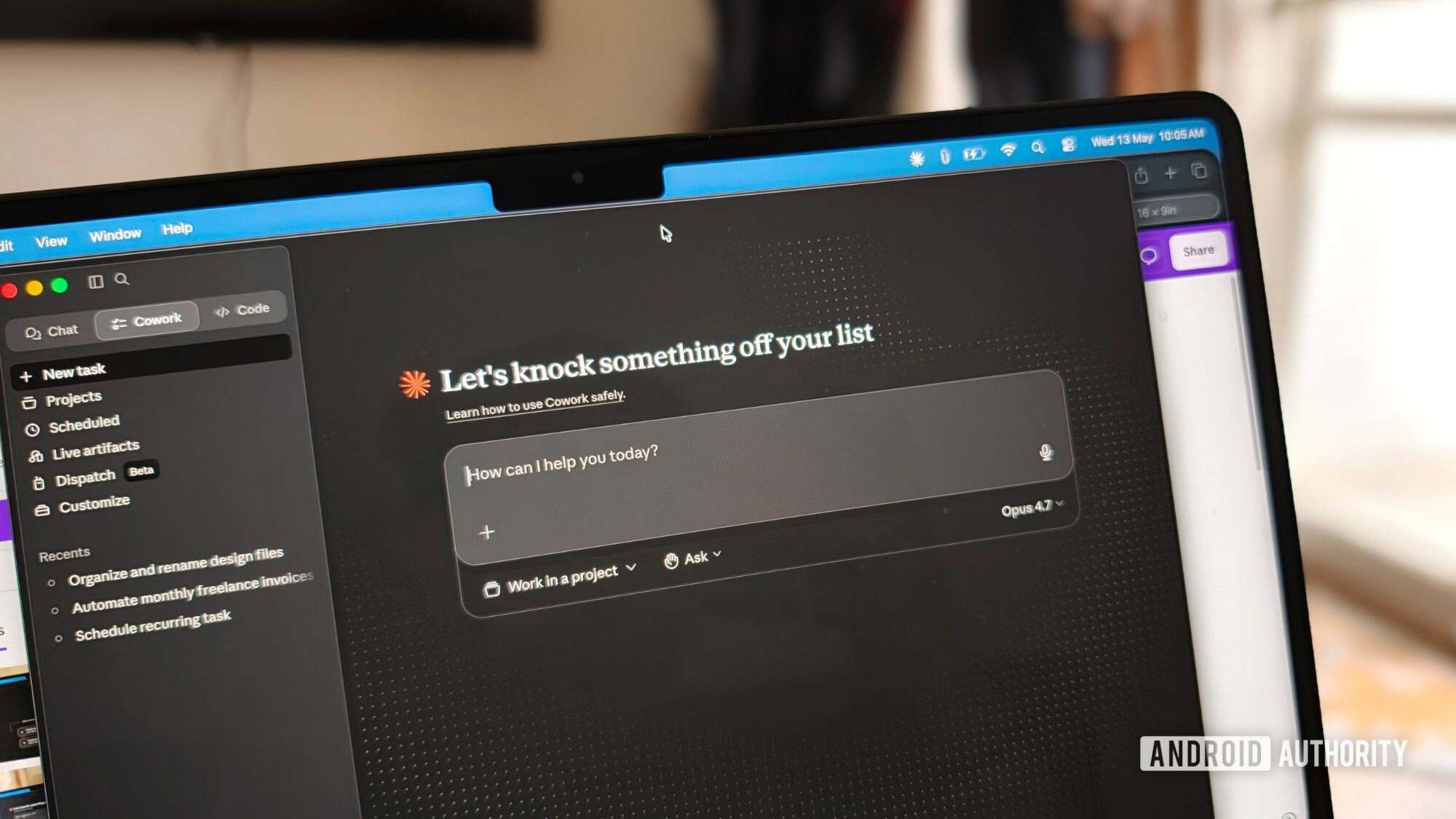
Claude Code now includes a built-in browser that lets the AI read, click, and type on external websites directly inside the coding app. Anthropic added the integrated browser window so Claude can open and interact with pages like documentation sites and issue trackers without leaving the development environment.
The feature works like a familiar tab-based browser and opens with a keyboard shortcut. Under the hood, Claude uses the same tools it already relies on to preview local apps, now extended to the open web with additional safety checks. For more launches like this, follow our AI coverage.
What the built-in browser does
The addition turns Claude Code into more than a code editor. Instead of a developer copying error messages or docs into the chat, Claude can navigate to the source itself, reading a reference page, checking an issue tracker, or working through a web-based tool as part of a task.
Because it can click and type, the browser can also fill in fields and move through multi-step pages, not just read static text. That makes it a general-purpose way for the AI to gather context from the web while it works, closing a gap that previously forced users to copy and paste information back and forth by hand between the browser and the coding assistant.
How Anthropic handles safety
Opening the web to an AI agent raises obvious risks, and Anthropic has layered in guardrails. Classifiers screen any write actions on external sites, and Claude won't buy anything, create accounts, or bypass CAPTCHAs without explicit user consent.
The browser also runs on a clean profile with no saved logins, so it doesn't start with access to a user's existing accounts. The approach mirrors a broader industry effort to let AI agents use the web while limiting the damage a mistaken or manipulated action could cause.
Controls for teams and businesses
Anthropic is giving organizations a say in how the tool is used. As the company announced on X, businesses can restrict access to external sites through an allowlist or disable the browser tools entirely. That flexibility matters for teams with security or compliance requirements. See our business coverage for how AI tooling is landing in the enterprise.
For anyone who wants Claude to act within their own logged-in sessions, Anthropic points to its separate Chrome extension instead, a deliberate split between sandboxed browsing and authenticated, user-controlled access. The two tools serve different needs: the built-in browser for neutral, logged-out research, and the extension for tasks that require a signed-in account. More developments are covered in our latest news.
Why it matters
The built-in browser is a small feature with a big implication: it pushes Claude Code further toward acting as an autonomous agent rather than a passive assistant. Reading docs and clicking through pages is exactly the kind of self-directed work that lets an AI finish a task without constant hand-holding. The heavy emphasis on classifiers, consent prompts, and a logged-out profile also signals how cautiously the industry is approaching agents that can touch the live web, where a single unchecked action could have real consequences.
Is the Claude Code browser safe to use?
Anthropic screens write actions with classifiers and blocks purchases, account creation, and CAPTCHA-solving without user approval. It also runs on a clean profile with no saved logins, keeping it separate from your existing accounts.
How is it different from the Chrome extension?
The built-in browser uses a fresh, logged-out profile for sandboxed browsing. If you want Claude to work inside your own signed-in sessions, Anthropic recommends its Chrome extension instead.