Switching from Gmail to Proton Mail buys you genuine privacy, but a week of living inside the encrypted inbox showed how much organization you give up to get it. After moving a long-running Gmail account across, the migration dragged years of clutter into a service that has fewer tools to tame it, and the experiment quickly turned into an exercise in damage control.
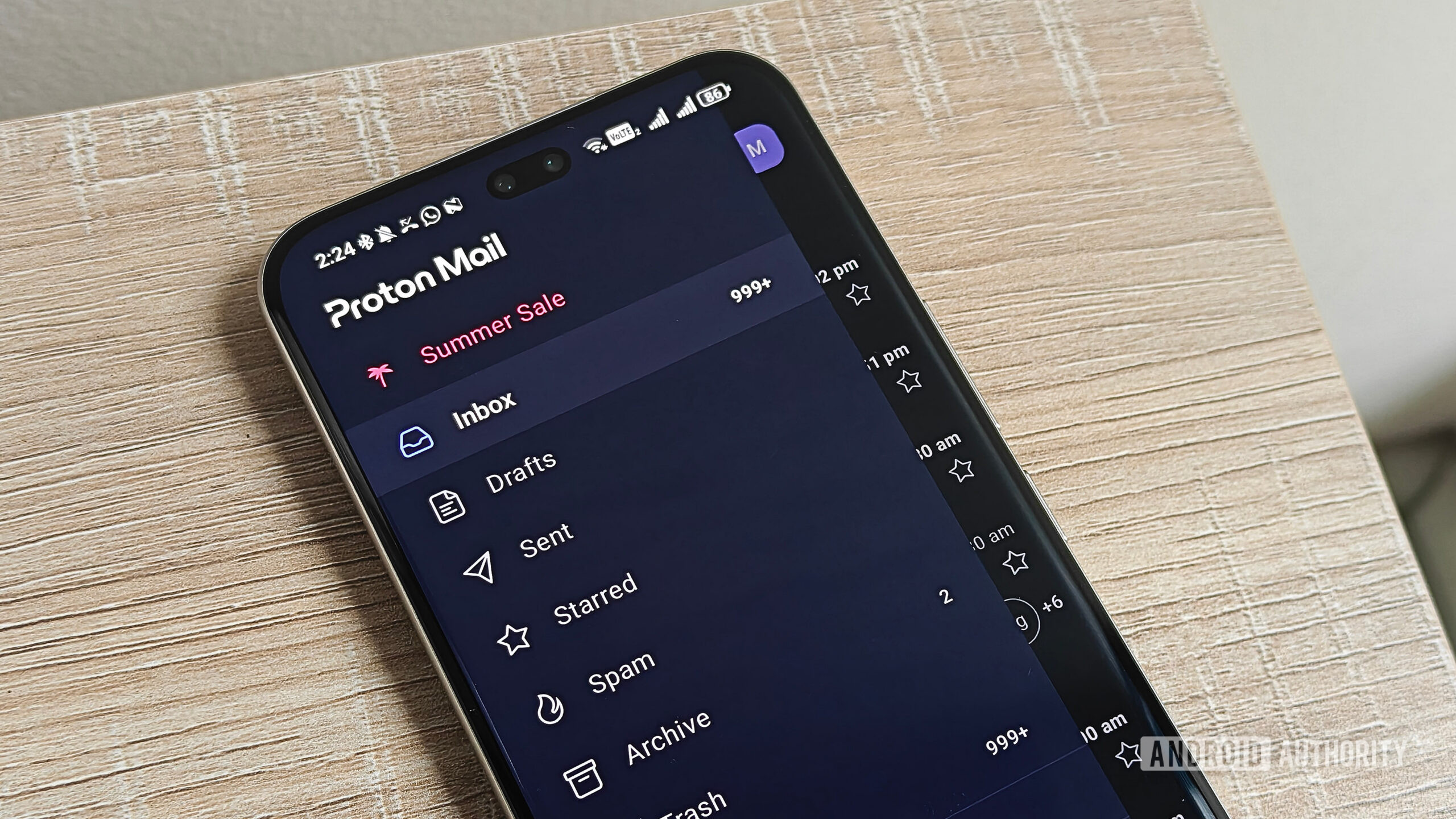
Proton Mail is the privacy-first email service from the Swiss company behind Proton VPN, built around end-to-end and zero-access encryption so that not even Proton can read your messages. That promise is exactly why people leave Google. The reality, though, is that a mature Gmail account is shaped around features Proton simply does not replicate, and the gap shows within hours.
Moving your Gmail to Proton Mail is the easy part
Proton's Easy Switch import tool links a Gmail address without forwarding rules or fiddly configuration. Once connected, it can both receive new mail and send from that same address, signature included, so contacts never see a change. Setup is the smoothest stretch of the whole process.
Storage is where the friction starts. Free Proton accounts begin at just 500MB, rising to 1GB once you install the mobile app, while a years-old Gmail account can already be carrying several gigabytes of attachments and newsletters. During testing the import paused at roughly 800MB the moment the free quota filled, leaving the archive only partly transferred.
The privacy upside is real and immediate. There are no sponsored messages injected at the top of the inbox, no nudges to try Gemini, and newsletter tracking pixels are blocked by default. If you care about how everyday apps handle your data, our coverage of AI in everyday apps explains why so many users want out of Google's ecosystem.
Where Proton Mail inbox organization breaks down
Gmail quietly does a lot of sorting for you, splitting mail into Primary, Promotions, Social and Updates tabs. Proton drops everything into a single stream, which meant a flood of notifications during the test week and, in one case, a missed appointment because the reminder was buried among promotional email.
- No default category tabs to separate promotions, social and updates
- Conversation threading groups every message from the same sender and subject, even months apart
- Turning off conversation view removes threading entirely, with no middle ground
- Free accounts cap the number of folders, labels and filters you can create
That threading quirk produced odd results. One recurring monthly email with an identical subject line was folded into a thread that stretched back to October 2025, mixing unrelated months into one conversation. Rebuilding Gmail's tab system is possible using manual folders, labels and multi-address filters, but it is slow, hands-on work that erases much of the convenience you came for.
Is the Proton Mail switch worth it?
Proton Mail has a clean, modern interface and the encryption story is its biggest selling point. The trouble is the mismatch between a heavy, decade-old Gmail account and a service that expects you to organize manually. For a fresh start, Proton is excellent; for a like-for-like transfer of an established inbox, the sorting limits make daily use frustrating.
The smarter path for many people is a hybrid one: keep Gmail running for legacy mail while pointing new, sensitive accounts and important sign-ups at a clean Proton address. That way you get privacy where it matters without recreating years of filters overnight. More app comparisons and hands-on reviews can help you decide whether to commit fully.
Common questions about switching to Proton Mail
How much free storage does Proton Mail give you?
Free accounts start at 500MB and increase to 1GB once you install the mobile app. That is far below what a long-used Gmail account typically holds, so a full import can stall partway through.
Can Proton Mail send and receive from my old Gmail address?
Yes. Proton's import tool links the Gmail address so you can both receive incoming mail and send replies from it, with your signature intact, without setting up forwarding.
Does Proton Mail have Gmail-style inbox tabs?
No. There are no automatic Primary, Promotions, Social or Updates tabs. You can approximate them with manual folders, labels and filters, but free accounts cap how many you can create.